For Joel Kallman Day 2026 I have two APEX apps to share and some details about new APIs.
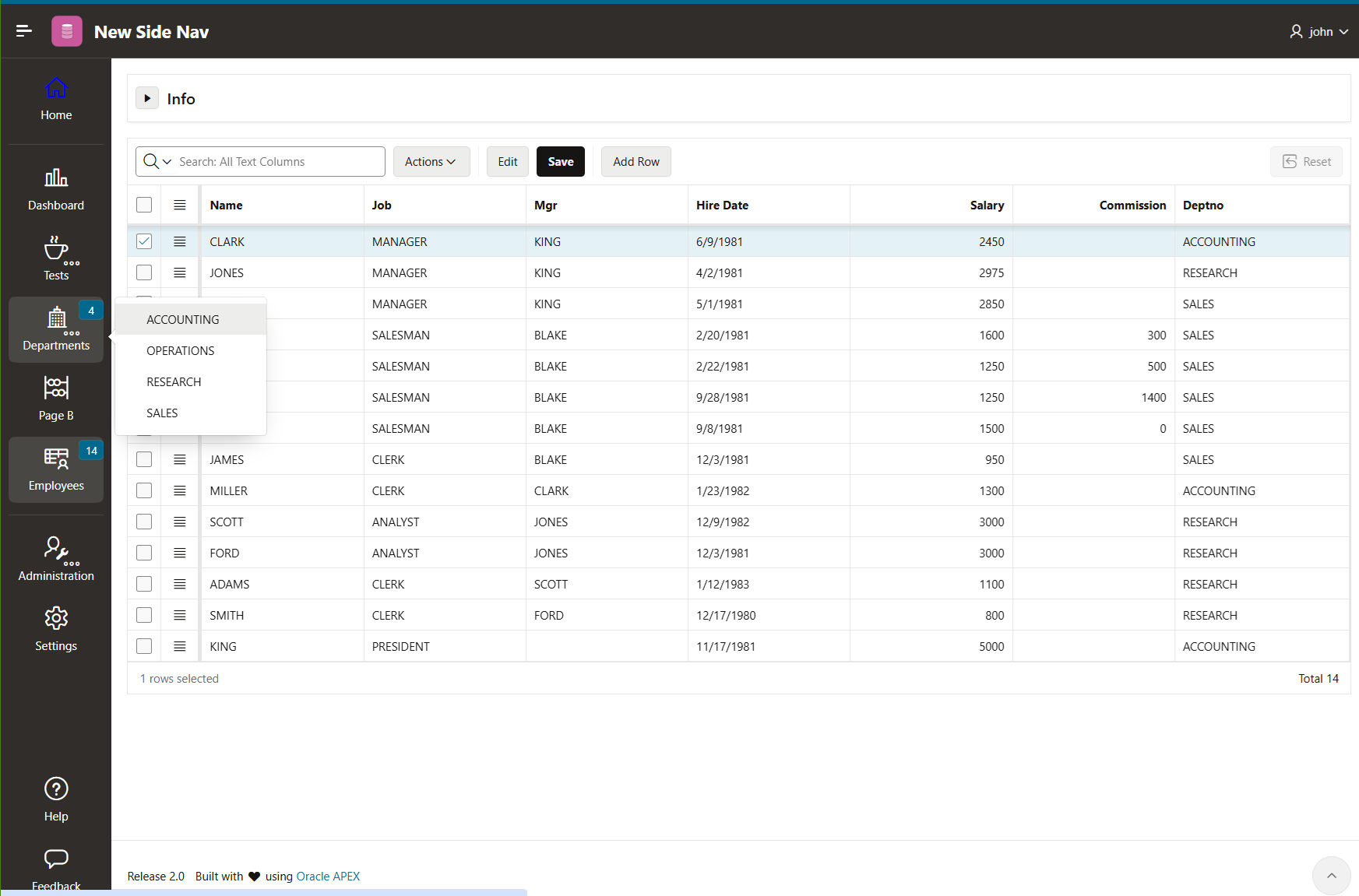
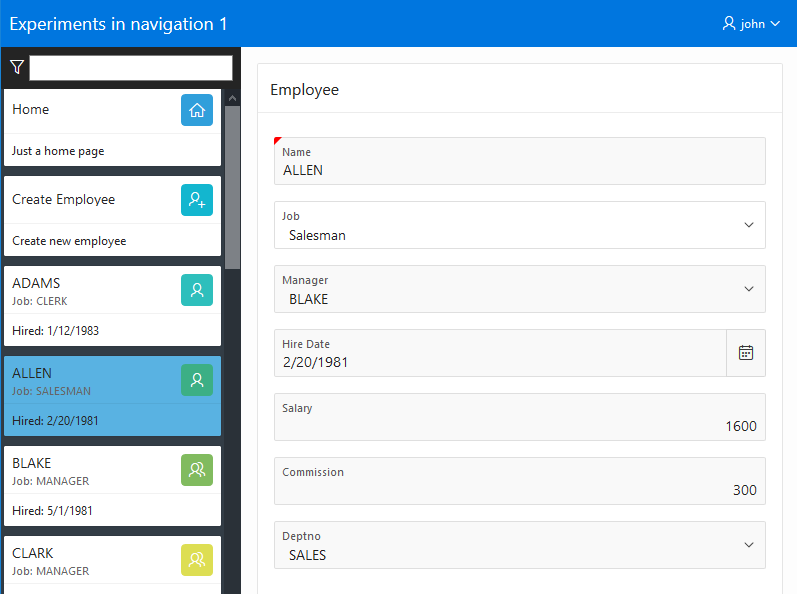
The first is an APEX 26.1 app that shows how to have a side navigation icon bar with popup and hover menus in your app.
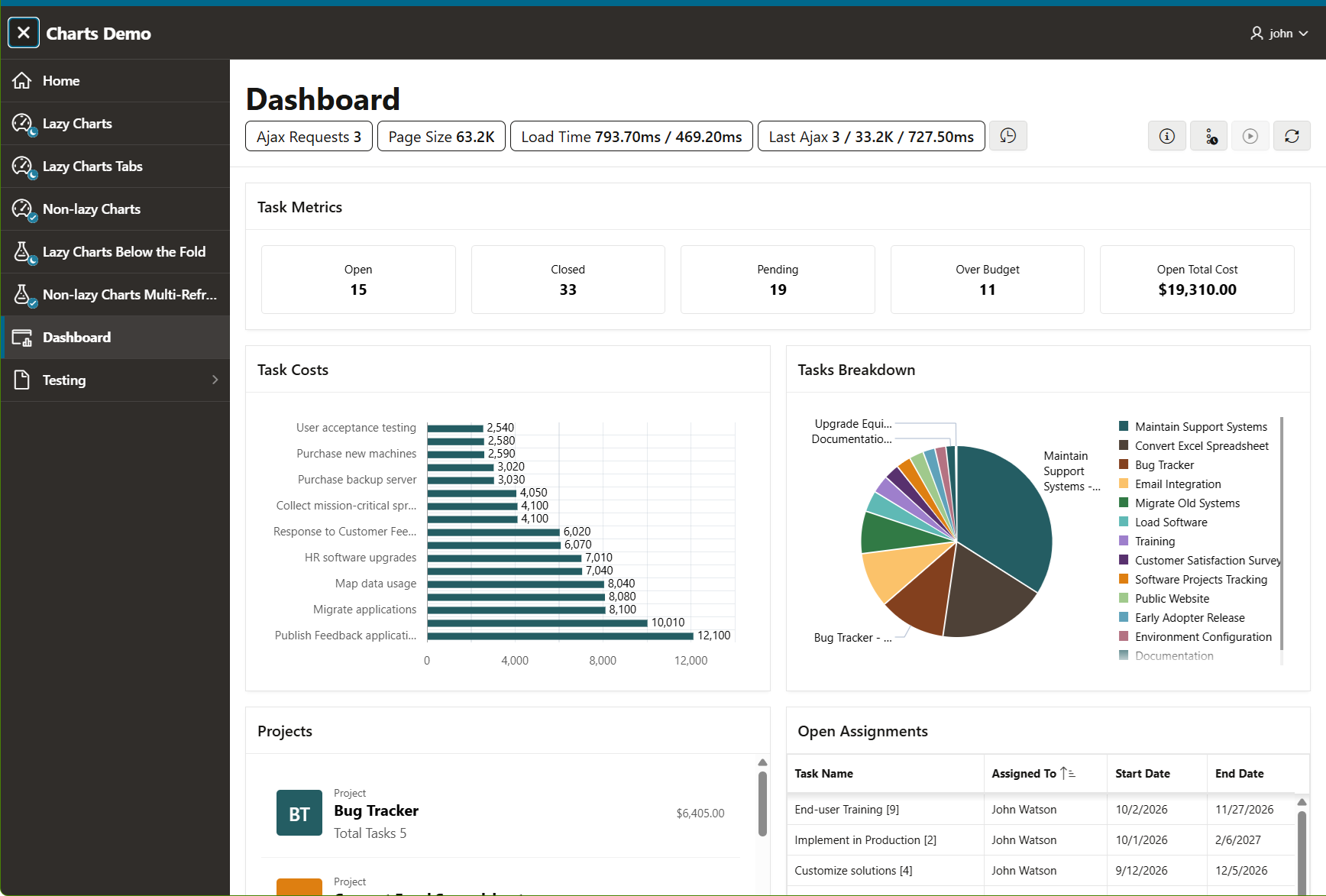
The second is a 26.2 app showing the Charts lazy loading attribute and the performance and network utilization efficiencies that come along with that feature.
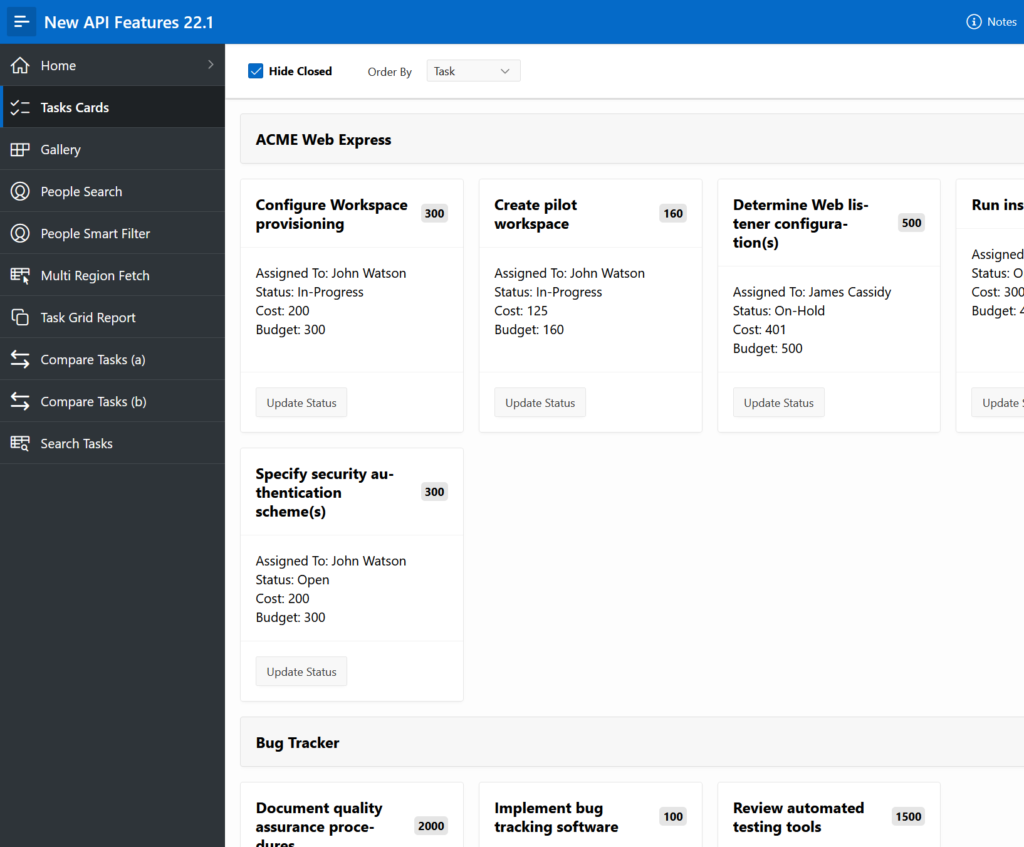
Yay APEX 22.1 is released! There are plenty of great new features. One of my favorites is the Region Sort Page Item. Something that doesn’t get a lot of attention is new functionality in the APIs. So I have created a demo app that shows what can be done with some of these new JavaScript APIs.
If you emphasize the “low” in low-code then this article may not be for you. On the other hand if you like to know how a little code can enable exceptional use cases read on. The raw info on what is new for APIs can be found in the release notes and the details can be found in the JavaScript API Reference but examples can give a better idea how these things can be put to use.
This is not a tutorial or deep explanation of every new API. It is a sample APP. To get anything out of it you will need to download the New API Features 22.1 app and read through the notes (click Notes link in top banner) on each page and also the code comments. If you haven’t installed APEX 22.1 yet you can use apex.oracle.com. First install the tables needed by this APP. Install Sample Interactive Grids app to get the EBA_DEMO_IG_PEOPLE and EBA_DEMO_IG_EMP tables. This will be fun because you get to use the new App Gallery. From SQL Workshop Utilities/Sample Datasets install Tasks Spreadsheet to get the EBA_TASKS_SS table.
Reminder: Any forward looking statements I make in this blog or the sample app is just my opinion not an official statement of product direction.
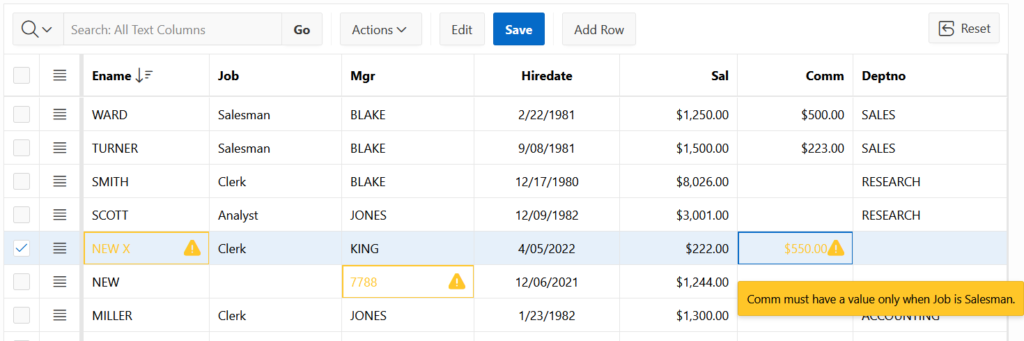
The editable Interactive Grid is intended to edit data that is already valid. This is no different from an APEX form page. The form or grid displays valid data for the user to enter/edit and validation is done when the page is submitted. A few times I have seen people ask about a different use case where the data comes from some external source and may not be valid. This came up again recently with a customer and it motivated me to work up a sample app to demonstrate some possible solutions.
If this use case interests you or even if you just want to learn more about client side validation and interactive grid you should download the IG Validate app. It only needs the EMP/DEPT sample data set installed and APEX version 21.2 or greater.
It shouldn’t be long now before the next release of Oracle APEX, 21.2, is available on apex.oracle.com. There will be plenty of buzz around the big new features in 21.2 but here I’ll introduce some new client side APIs and along the way I’ll mention some of the new or recent features the APIs apply to.
This release has the biggest set of additions to the JavaScript APIs since 19.1 when the new JSDoc based API documentation became official. There is enough cool new stuff that it won’t all fit in one blog so Stefan Dobre is going to tell you about some of it.
At a recent Oracle APEX Offices Hours I presented (@18:38) the new 20.2 features of Faceted Search. I showed the new facet value charts and the new facet control types, input field and groups of single checkboxes. I also showed how the faceted search region works with the new Charts region. The next day I got a question from an internal customer about how to put the facet charts dashboard in a collapsible region. This use case makes a lot of sense but simply using the collapsible region template isn’t enough to make it work. This plus a few other internal questions got me thinking that it was finally time to put together a sample app showing advanced use cases of faceted search.
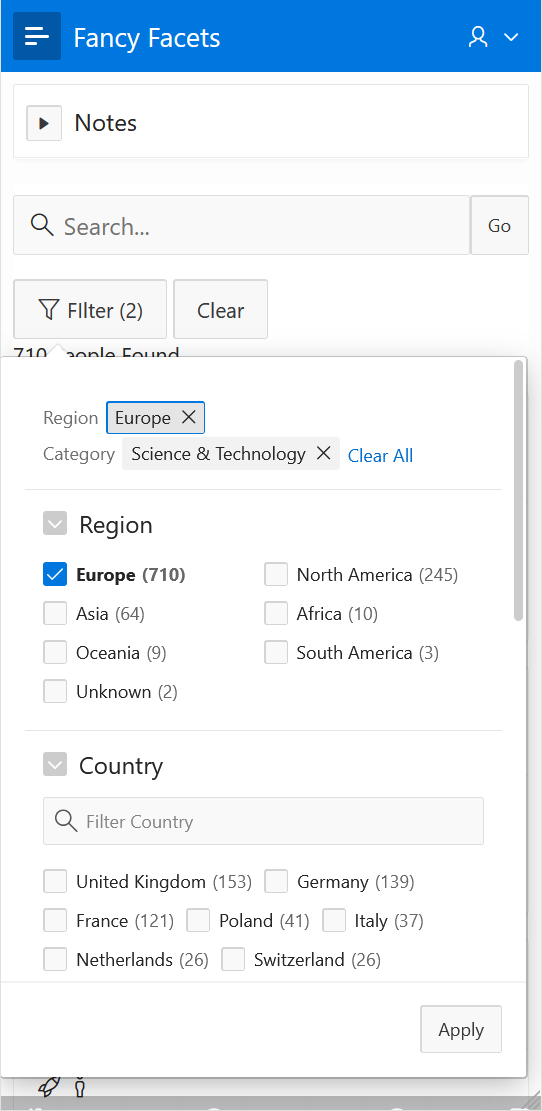
This screen shot shows a responsive facets region that opens in a popup on small screens.
In APEX 20.2 you will see in the help text for a few properties “Additional Information… Supports Template Directives”. Here I will explain all about this new functionality, the motivation, where to find it, how it can be used, where it may be going, and hopefully clear up and establish some terminology.
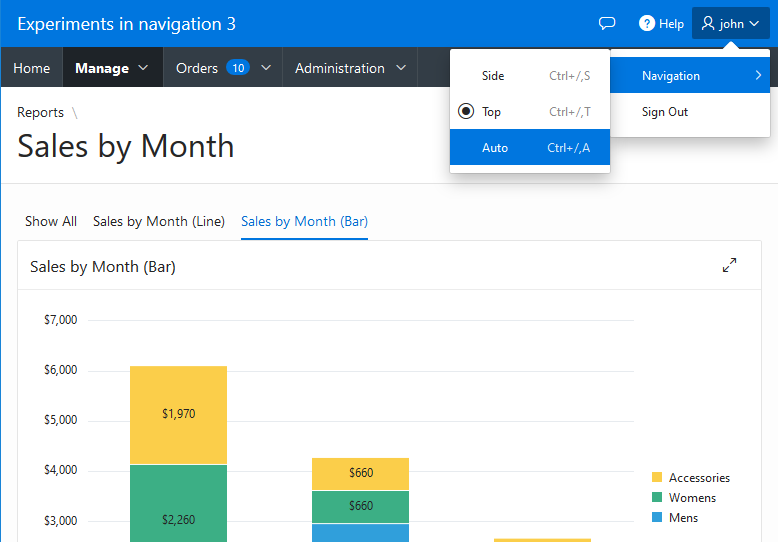
This is the third and final article in the navigation menu experiments series. Check out parts 1 and 2. In this experiment the navigation menu dynamically changes between side and top positions.
As in parts 1 and 2 this sample app was created using the upcoming 20.1 APEX release but the techniques should work on previous releases. On apex.oracle.com there is currently a pre-release of 20.1 where you can try out the app (enter any username). You can also download the app and import it into your own workspace on apex.oracle.com or your own 20.1 instance once available.
This third experiment was motivated by this question on the APEX forum. They asked
“How can I dynamically change the position of the navigation menu, from top to side or vice versa …”
I believe the intent is related to being responsive to different screen sizes. The side navigation is already responsive in that it is collapsible. The menu bar and sub menus work fairly well on small mobile screens although there are some things that could be improved.
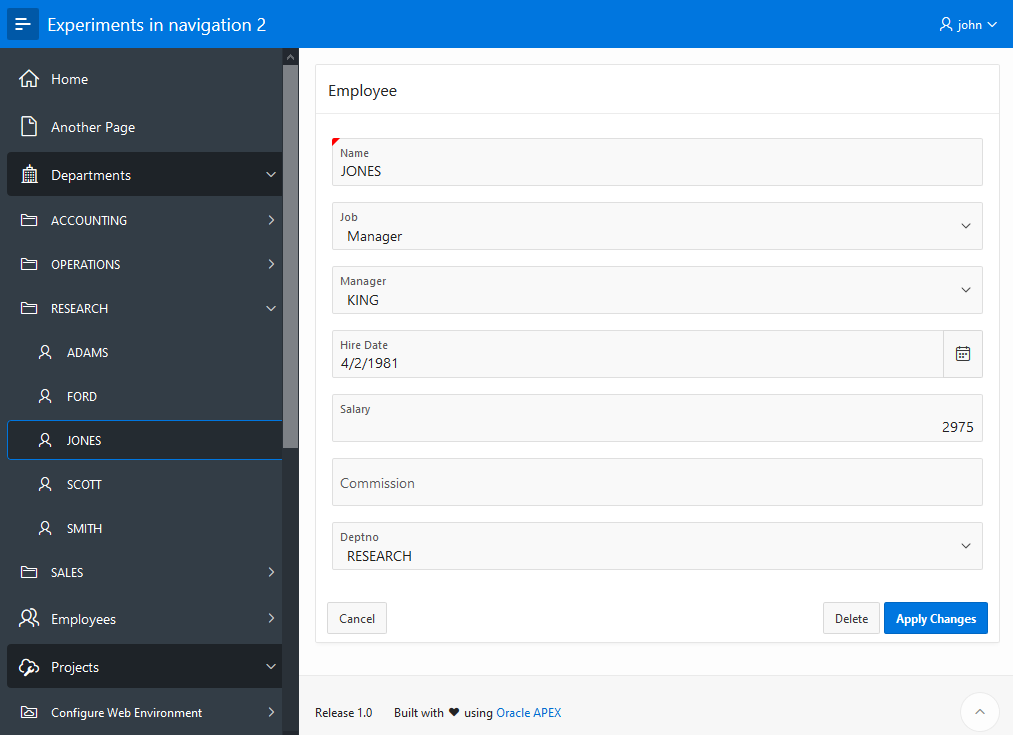
This is part 2 in a series of articles exploring navigation techniques in Oracle Application Express. Check out part 1 first if you missed it. Here I will show how to dynamically fetch new child nodes in the navigation tree on-demand.
The sample app for part 2 was created with the upcoming 20.1 APEX release but the techniques should work on previous releases. On apex.oracle.com there is currently a pre-release of 20.1 where you can try out the app (enter any username). You can also download the app and import it into your own workspace on apex.oracle.com or your own 20.1 instance once available.
Out of the box APEX provides a number of useful, declarative, good looking navigation options. There is the side navigation menu tree and the top navigation menu bar, top navigation tabs, and new in release 20.1 top navigation mega menu.
In this series of articles I will be discussing some advanced use cases primarily related to side navigation. These are based on customer requests and my own musings. The sample app for part 1 was created with the upcoming 20.1 APEX release but the techniques should work on previous releases. On apex.oracle.com there is currently a pre-release of 20.1 where you can try out the app (enter any username). You can also download the app and import it into your own workspace on apex.oracle.com or your own 20.1 instance once available.
This topic interests me because, although I don’t work on the global navigation features in general, I created the treeView widget used for side navigation and the menu widget used for top navigation. I have written about navigation topics before but exclusively related the menu widget. In More APEX Menu Fun I wrote about how to create a menu bar with custom markup (mega) popup menus. Before there was a built-in mega menu option I showed how to create one in APEX Media List Mega Menu. I then refined the mega menu example and included more custom content menu examples in All The Things That Pop Up.
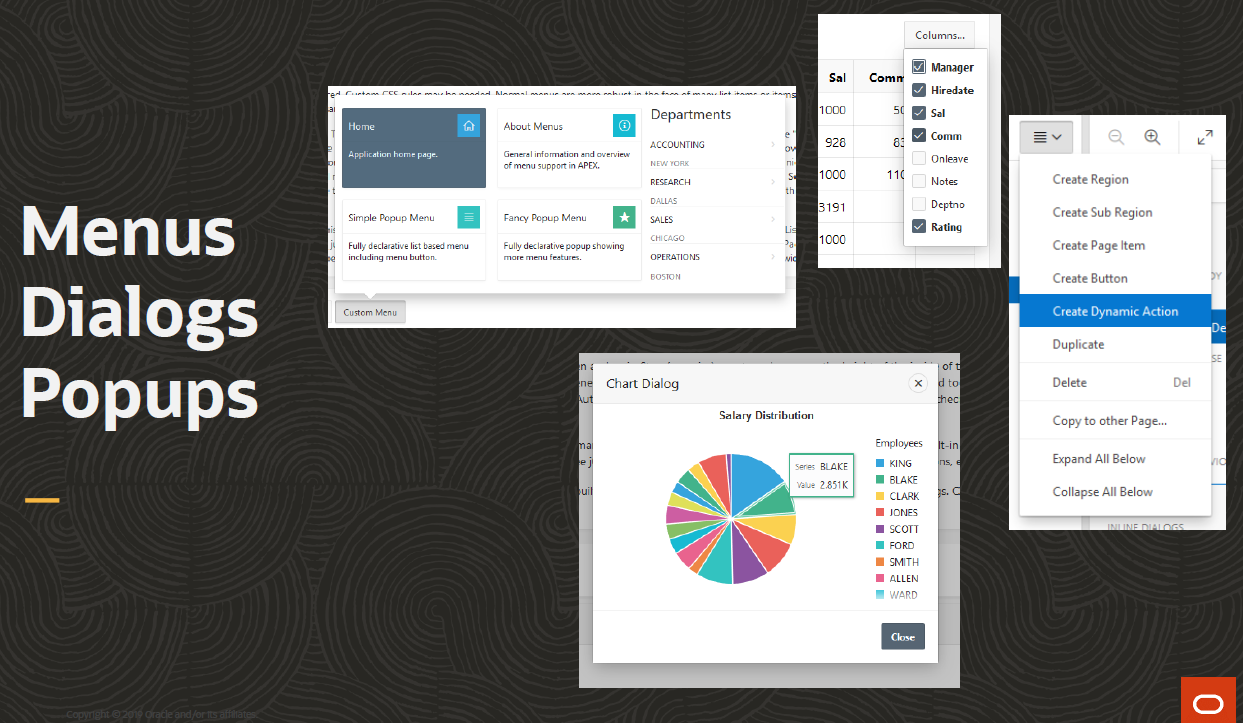
At UKOUG Techfest19 I gave a presentation with the same title as this article. The topic is about menus, dialogs, and popups. I created a sample app for the presentation that I promised to make available. You can download the app here[*]. The app uses the EMP and DEPT tables so make sure they are installed. You can install them from SQL Workshop > Utilities > Sample Datasets. The app is also using the Application Access Control feature so you will have to go to Shared Components > Application Access Control and assign roles to users before they can use the app. I only did this to demonstrate using authorization schemes in menus.
Menus, Dialogs, Popups Slide
Even if you already know everything about menus, dialogs, and popups you may still want to check out the sample app because it contains DA action plug-ins Message Confirm and Message Alert that, as the names imply, use the apex.messageconfirm and alert APIs rather than the native browser APIs, which the corresponding built-in actions still use. Another bonus is an updated version of the showMe widget that I first introduced in my article Interactive Grid Tour App. There are list and region templates included that can be used to create a showMe tour.
[* Update. I noticed that on import the source setting on the page 12 chart region is lost. If this happens fix it by setting the source to local database table EMP.]
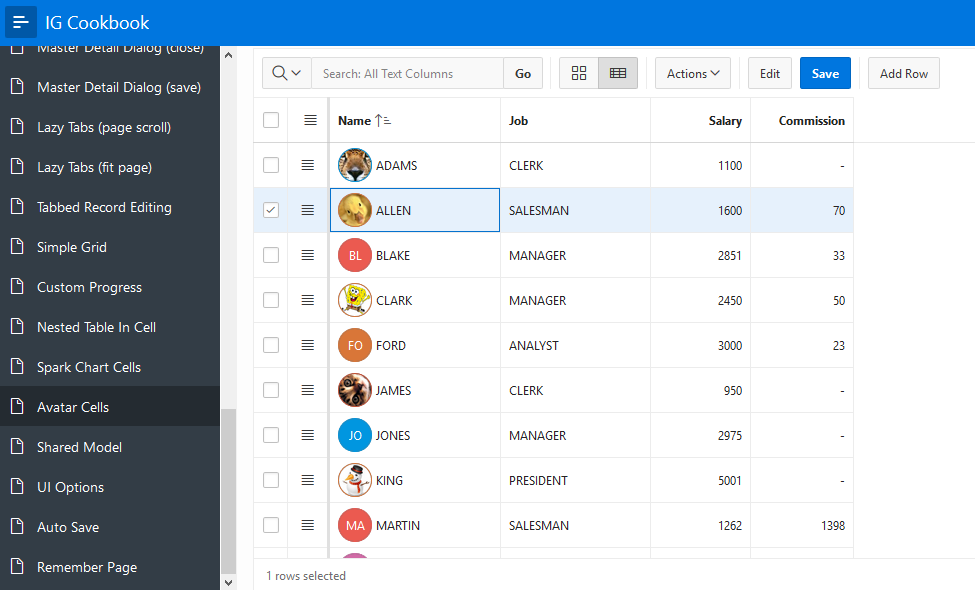
It’s that time again. A new release of APEX brings an updated IG Cookbook. Try out APEX 19.2 at apex.oracle.com and then download release 6 of the IG Cookbook for 19.2. If you are still using an older version of APEX you can try a previous IG Cookbook release. As always make sure you install the Sample Interactive Grids app first because it creates some needed tables.